 orbitrace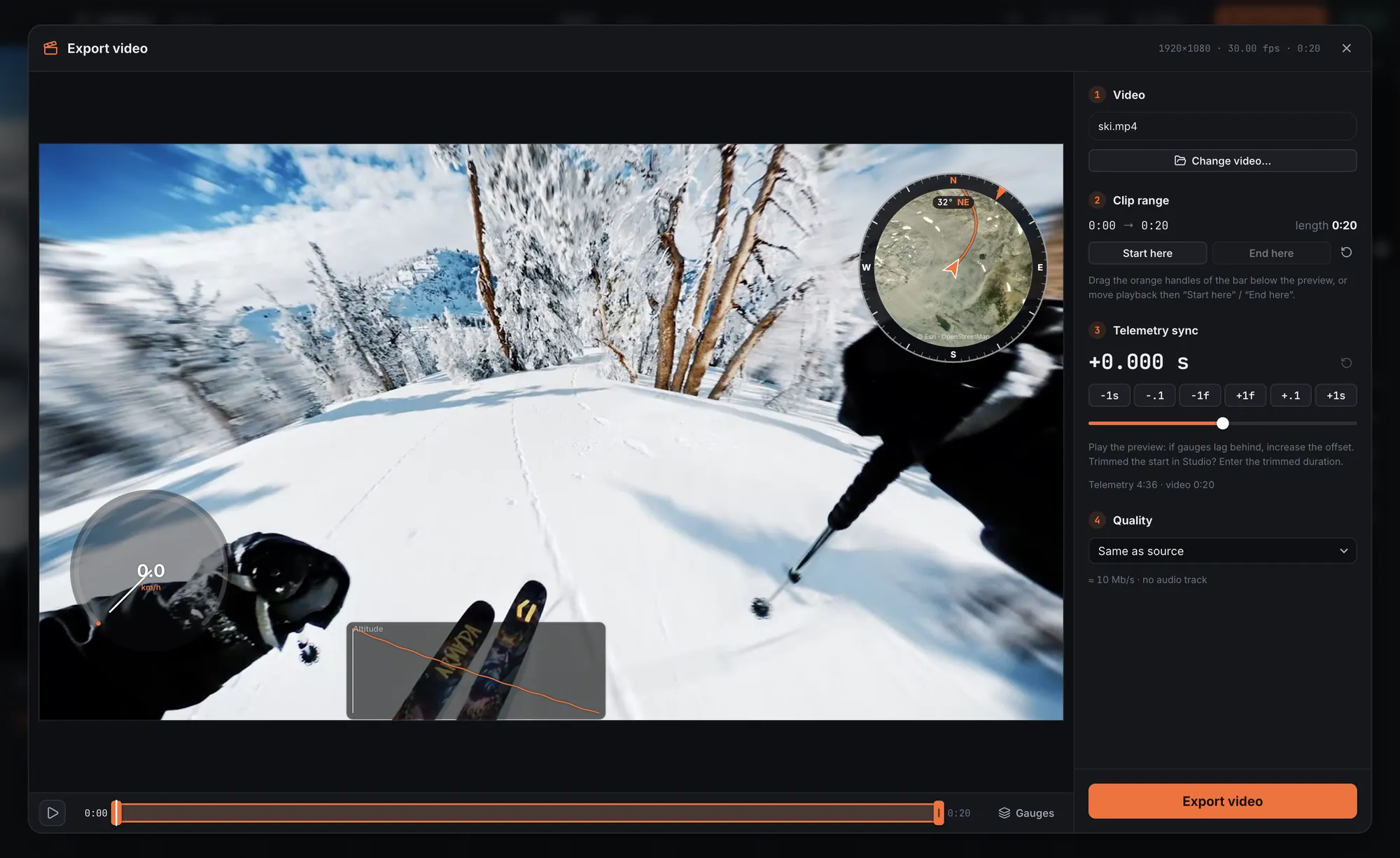
What the HERO12 Black records, and what it doesn’t
| Data | HERO11 Black | HERO12 Black | HERO13 Black |
|---|---|---|---|
| GPS (position, speed, altitude) | Yes | No | Yes |
| Accelerometer and gyroscope | Yes | Yes | Yes |
| HiLight tags | Yes | Yes | Yes |
So a HERO12 video still knows how the camera moved and rotated. It just doesn’t know where it was.
Solution 1: record a GPX at the same time
This is the one to use. Anything that records a GPS track will do:
- a sports watch (Garmin, Suunto, Coros, Polar, Apple Watch);
- a bike computer;
- your phone with Strava, Komoot or any app that exports GPX.
Then in Orbitrace: open the HERO12 video, attach the GPX. The track is aligned on the recording time; if the camera clock was off, adjust the sync at export by the second, the tenth or the frame while watching the preview.
Tip: connecting the camera to the GoPro Quik app usually sets its clock. A camera at the right time means a GPX that lines up on the first try.
Solution 2: use what the sensors give
Without any GPX, the HERO12’s accelerometer and gyroscope still let Orbitrace show G-force, an artificial horizon and detect jumps with their airtime. No speed or map, but a lot to show on a ski or bike video.
Solution 3: another camera for the rides that matter
If speed and map are central to your videos, the HERO13 Black brought GPS back, the HERO11 Black has it, and 360° cameras like the GoPro MAX have it built in. Insta360 X cameras get it from your phone or a remote. Full list of cameras with GPS.
Why did GoPro remove it?
GoPro did not give a detailed public explanation. What matters in practice: no firmware update can add it back, since the chip itself is missing.