 orbitrace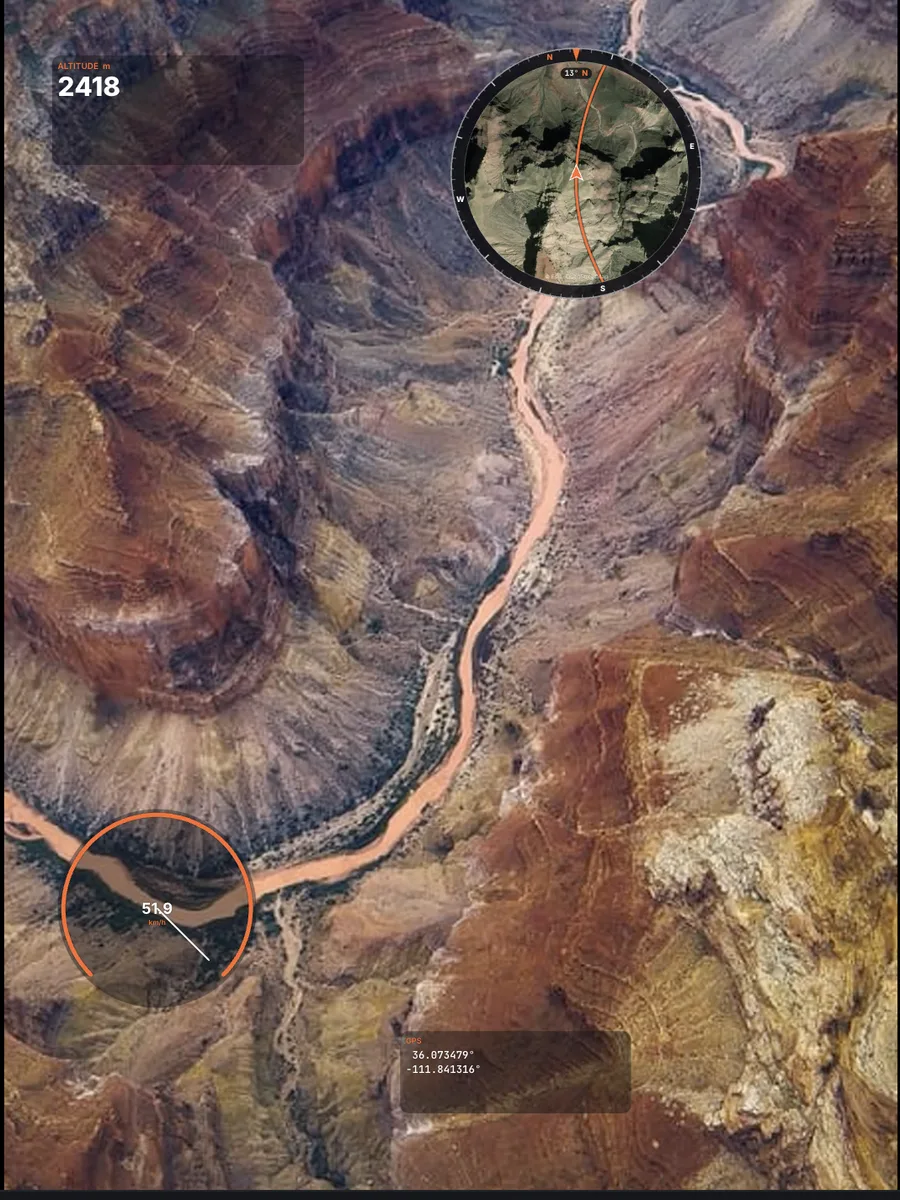
What is a DJI .SRT file?
When video captions (sometimes called video subtitles) are enabled in the camera settings of the DJI Fly app, the drone records a .SRT file with the same name as each video. It is a subtitle file, but instead of dialogue it contains, for every moment of the clip, the drone’s GPS position, its altitude and the camera settings.
No .SRT next to your video? The option was off during the flight: turn it on for the next one. It cannot be recreated afterwards from the video alone.
What Orbitrace does with it
- Finds the .SRT automatically when you open the MP4 (same folder, same name);
- Altitude and speed gauges, plus charts along the timeline;
- Satellite or street map, round or square, with a compass ring and heading in degrees;
- Vertical export for Reels and Shorts, gauges exactly where you placed them.
Step by step
- In DJI Fly, enable video captions in the camera settings before you take off.
- Copy the MP4 and its .SRT into the same folder.
- Open the MP4 in Orbitrace, pick your gauges, export.
Which DJI products?
Orbitrace reads the .SRT files of DJI drones such as the Mavic, Air and Mini series. DJI action and 360° cameras (Osmo Action, Osmo 360) store their GPS differently, through their own remote, and are not supported yet.