 orbitrace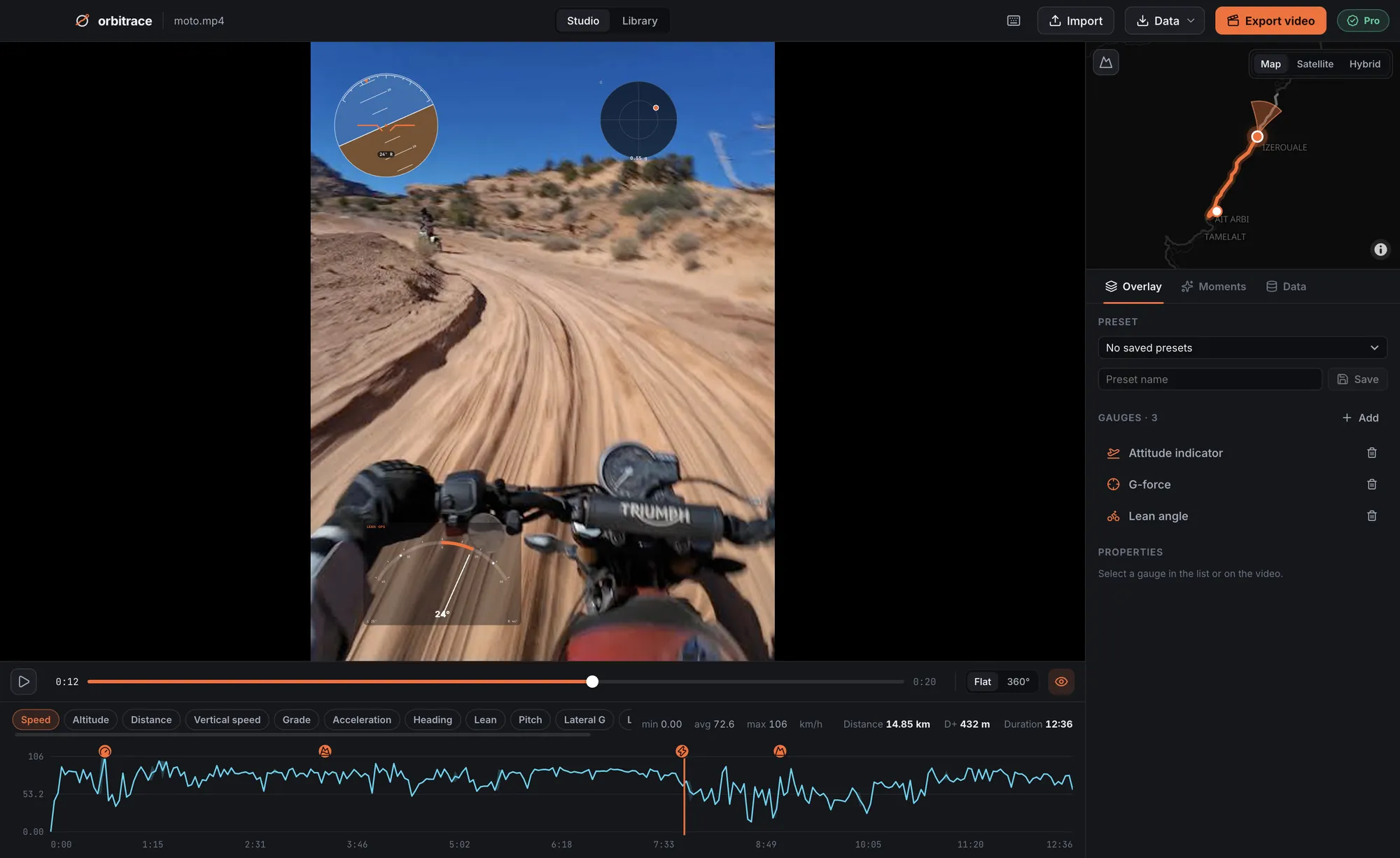
Which GoPro cameras have GPS?
| Model | Built-in GPS | Motion sensors |
|---|---|---|
| HERO5 Black → HERO11 Black | Yes | Yes |
| HERO12 Black | No | Yes |
| HERO13 Black | Yes | Yes |
| MAX (360°) | Yes | Yes |
The HERO12 Black dropped GPS: its videos contain the motion sensors but no position. For speed and a map, record a GPX at the same time (watch, phone) and attach it in Orbitrace.
What Orbitrace reads from a GoPro MP4
GoPro stores its telemetry in a dedicated track of the video file (the GPMF format). Orbitrace reads it directly, even on large files, with no conversion or upload:
- GPS: speed, altitude, position and heading;
- Accelerometer and gyroscope: G-force, artificial horizon, lean angle;
- HiLight tags you pressed while filming, listed with the automatic highlights (top speed, jumps, peak G).
How to add a speed overlay to a GoPro video
- Open the MP4 straight from your SD card or your disk. The track appears on the map.
- Choose your gauges: speed dial in km/h or mph, map, altitude, G-force, lean angle, date and time.
- Trim to the best part, or jump to a highlight.
- Export with your graphics card (VideoToolbox on Mac, NVIDIA, Intel or AMD on Windows).
GoPro GPS not working?
- Check that GPS is on in the camera settings: it can be turned off to save battery.
- Wait for the GPS lock before you hit record: under open sky it takes about a minute, and the GPS icon shows when it is ready.
- HERO12 Black: there is no GPS to turn on — use a GPX.
- Start of the clip without position: normal if you started recording before the lock. Orbitrace simply starts the track when the first valid point arrives.