What’s inside a TeslaCam clip?
TeslaCam saves one MP4 per camera and per minute — front, rear, left and right repeaters, and on newer cars the two B-pillar cameras — in the TeslaCam folder of the USB drive (RecentClips, SavedClips, SentryClips). Since software 2025.44.25, on HW3 and newer cars, every frame also carries a small block of driving data published by Tesla: speed, GPS position and heading, steering wheel angle, accelerator position, brake, blinkers, gear, Autopilot state and accelerations.
Older clips, or clips recorded while parked, only contain the video: Orbitrace still opens them, but there is no data to show.
What Orbitrace does with it
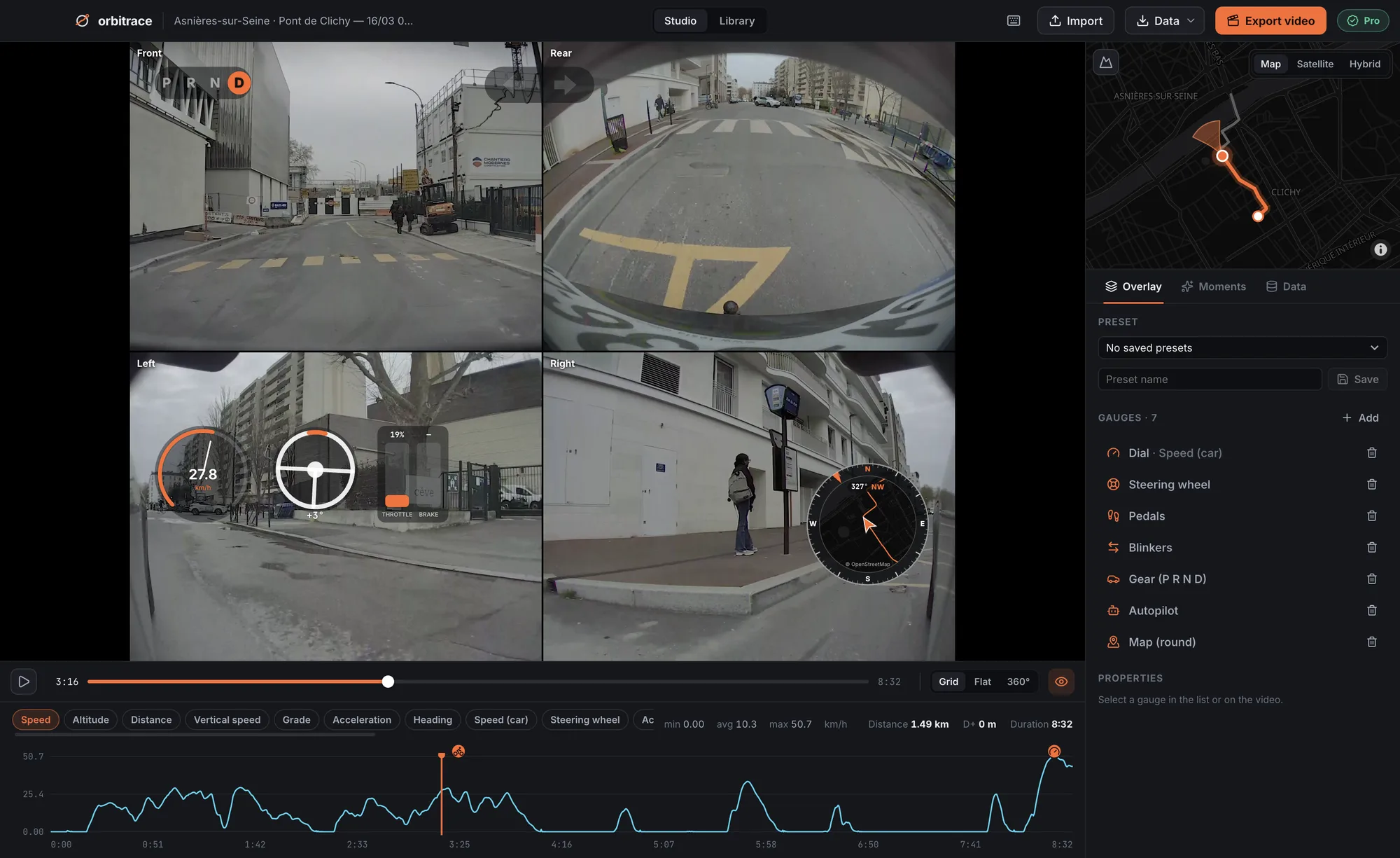
- One trip, one item: the one-minute files of an event are stitched back together, with all cameras, and named after the place and time;
- All cameras at once: a synced grid (2×2, or 3×2 with the pillar cameras) for playback and export, or a single camera if you prefer;
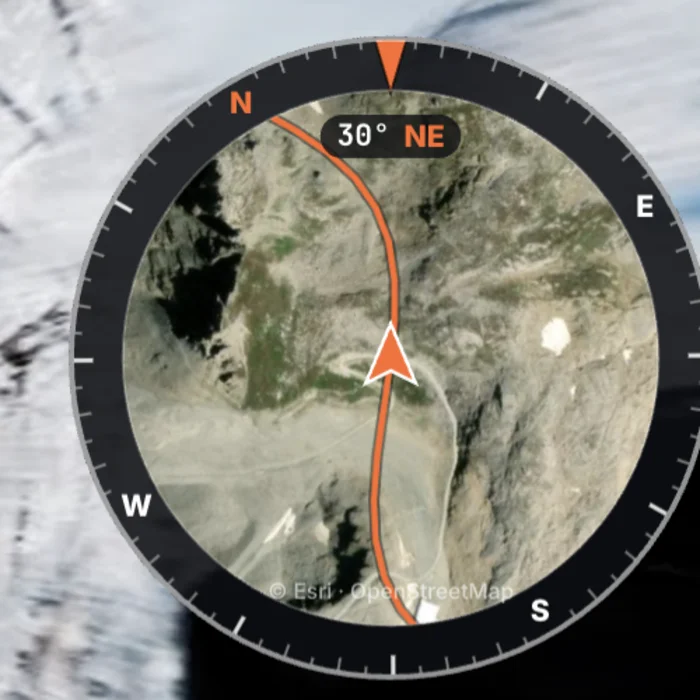
- Car gauges: steering wheel that turns, accelerator and brake, blinking turn signals, P R N D, Autopilot badge — on top of speed, map, compass and G-force;
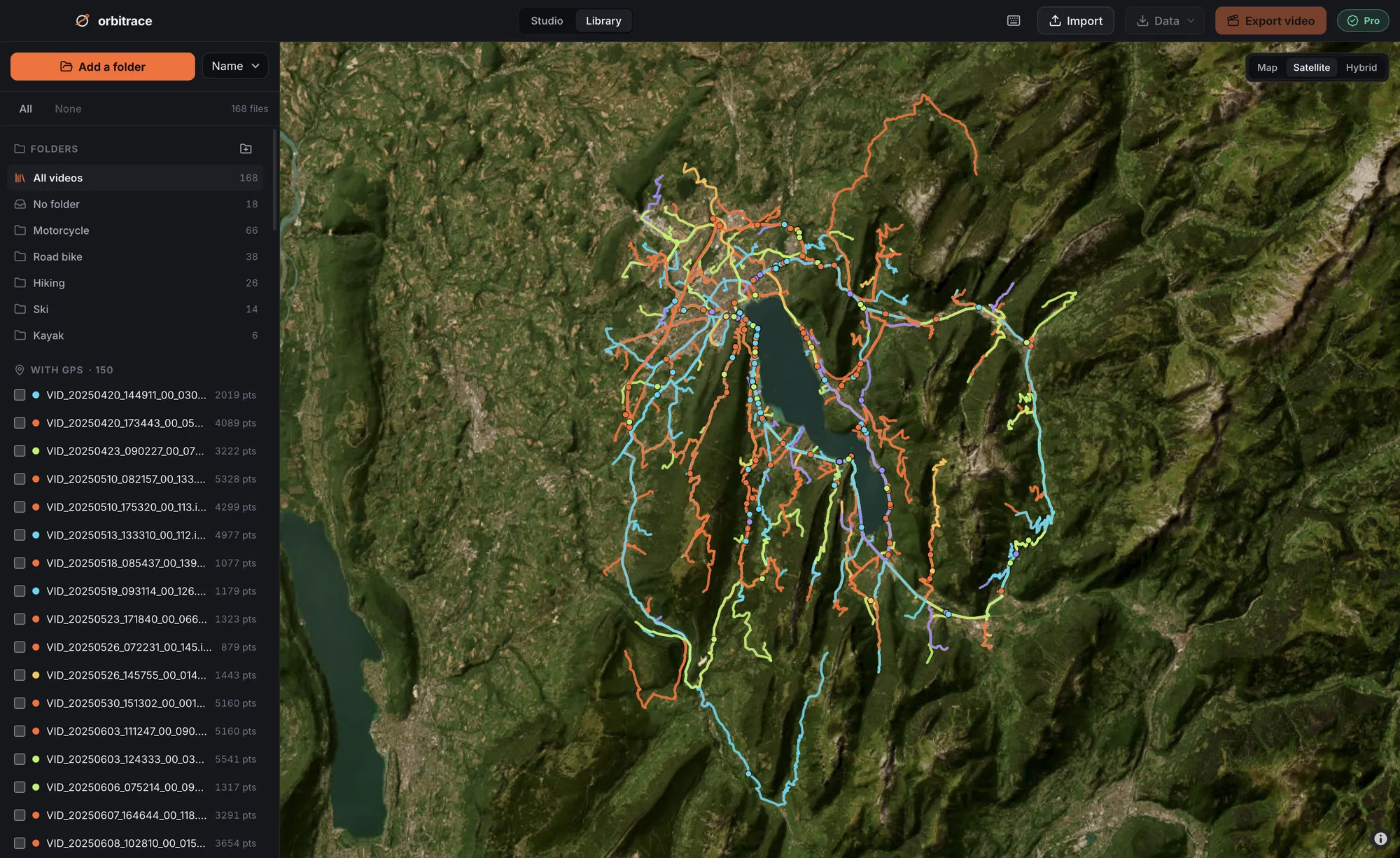
- Your library on a map: every TeslaCam trip in one place, sorted and searchable.
Step by step
- Plug the Tesla USB drive into your computer.
- Open a clip (any camera) or scan the whole TeslaCam folder in the Library.
- Pick your gauges, choose Grid or one camera, export.
Which Teslas?
Any Tesla that records TeslaCam clips can be opened. The driving data needs software 2025.44.25 or later on HW3 or newer hardware (Model 3, Model Y, Model S, Model X, Cybertruck). Clips are read locally: nothing is uploaded.