Which remote?
DJI sells a Bluetooth GPS remote for its action cameras (listed as the Osmo Action GPS Bluetooth Remote Controller). It has its own GPS chip and works with the Osmo 360 as well as the Osmo Action 4, 5 Pro and 6. It also starts and stops recording, which is handy when the camera is on a pole or a helmet. Check DJI’s compatibility list for your exact model before buying.
Getting a clean track
- Pair the remote with the camera once, from the camera’s menu.
- Before each ride, turn the remote on outdoors and wait until it shows a GPS fix. The first positions after switching on are often off by tens or hundreds of meters.
- Start recording from the remote or the camera, and keep the remote within Bluetooth range (on your wrist or handlebar).
- Stay in normal video mode: in timelapse or slow motion, positions can’t be matched precisely to each frame.
Where the GPS ends up
The position is written into the .OSV file itself, frame by frame, next to the camera’s orientation and accelerometer data. There is no separate file to keep. The .LRF next to it is only a low-resolution preview.
Once a video is exported from DJI Studio or DJI Mimo, that data track is usually gone. Keep the original .OSV files if you want the telemetry.
Turning it into a speed overlay
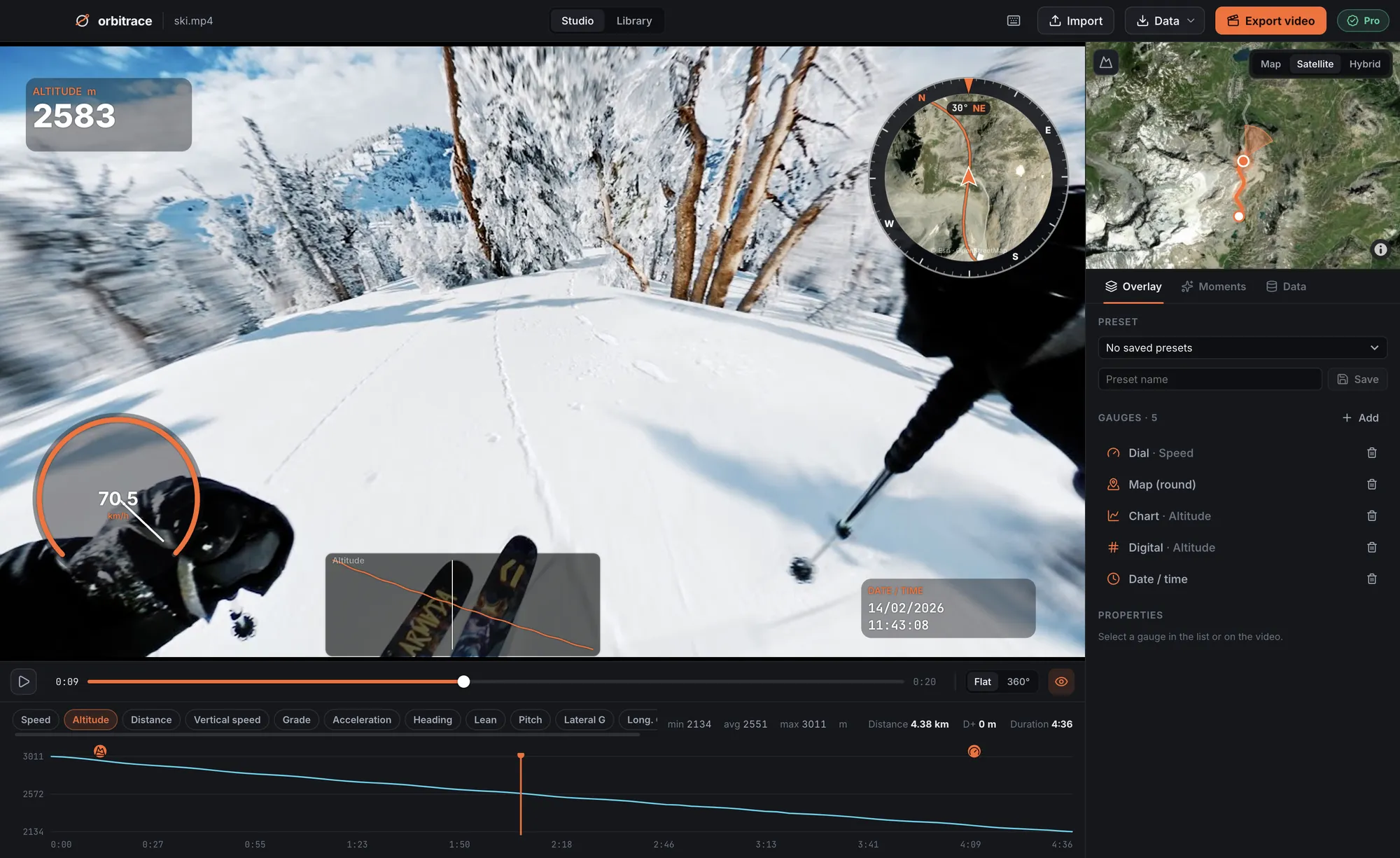
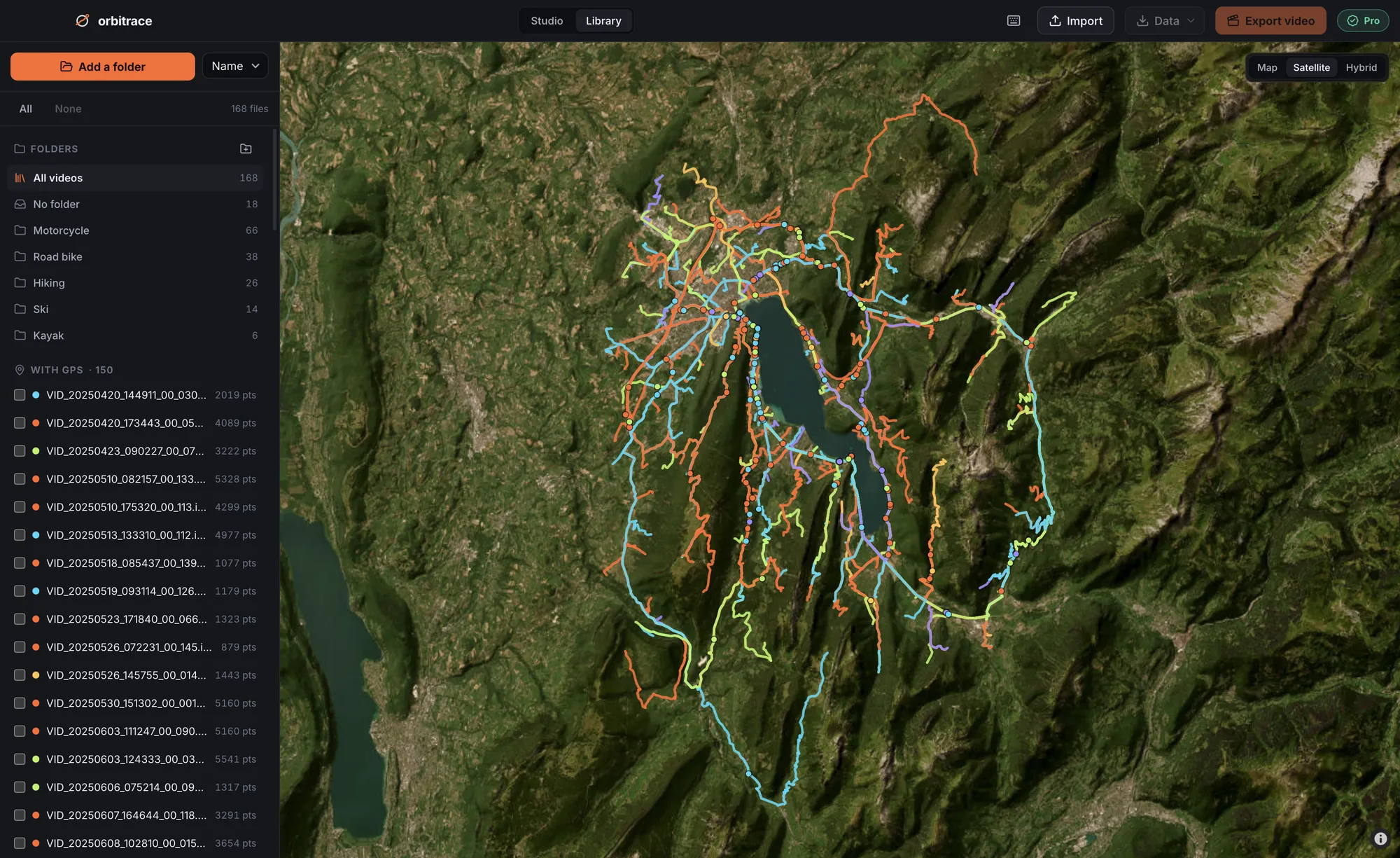
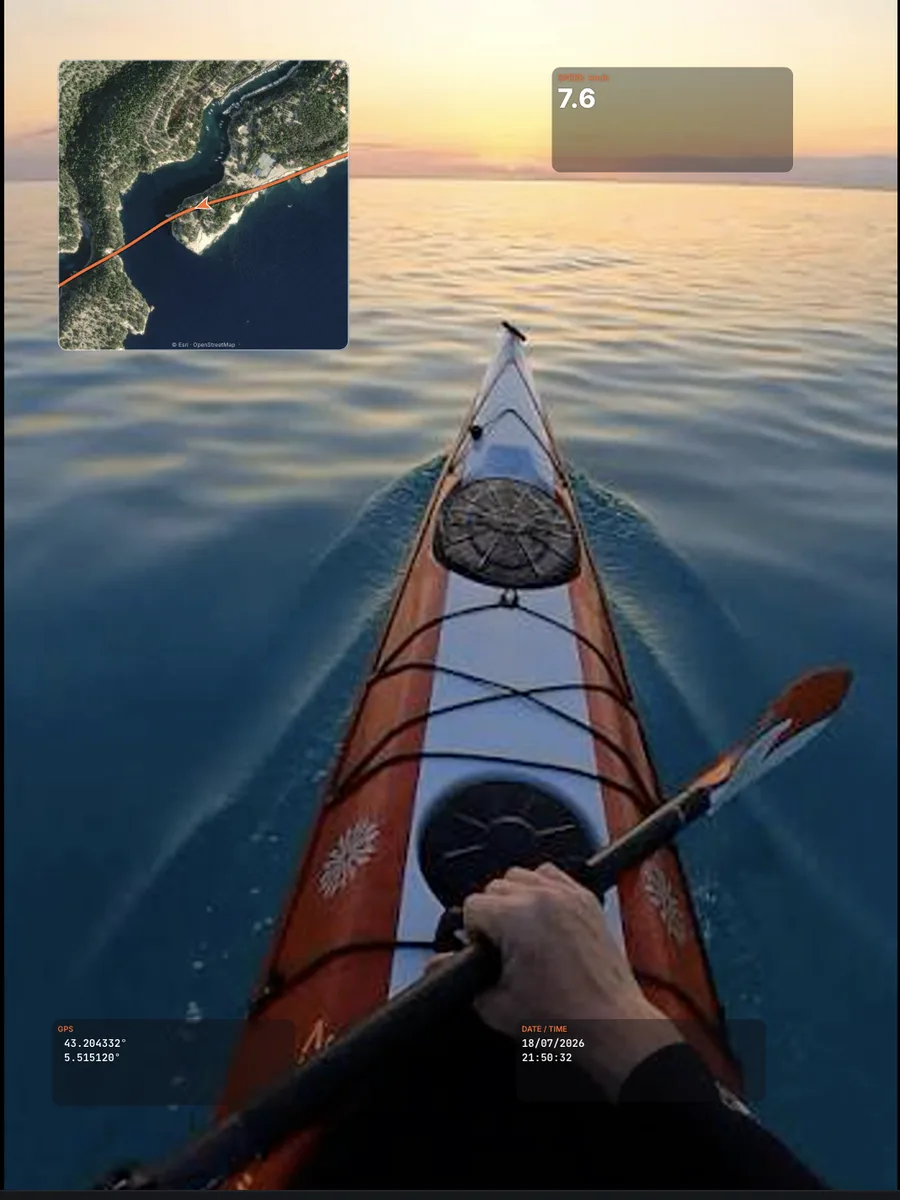
Open the .OSV in Orbitrace: it reads the remote’s GPS straight from the file, cleans the jumps a GPS makes before it gets a fix, and gives you speed, a map that follows your route, heading and altitude. Export a leveled front view in 16:9, 9:16 or 1:1 with your gauges burned in.
No GPS in the file?
- The remote wasn’t paired, was out of range, or had no fix: the video opens without a track.
- If a watch, a bike computer or a phone app recorded the ride, export a GPX file and pair it with the video in Orbitrace: it is matched by time.