1. Pick your photo points
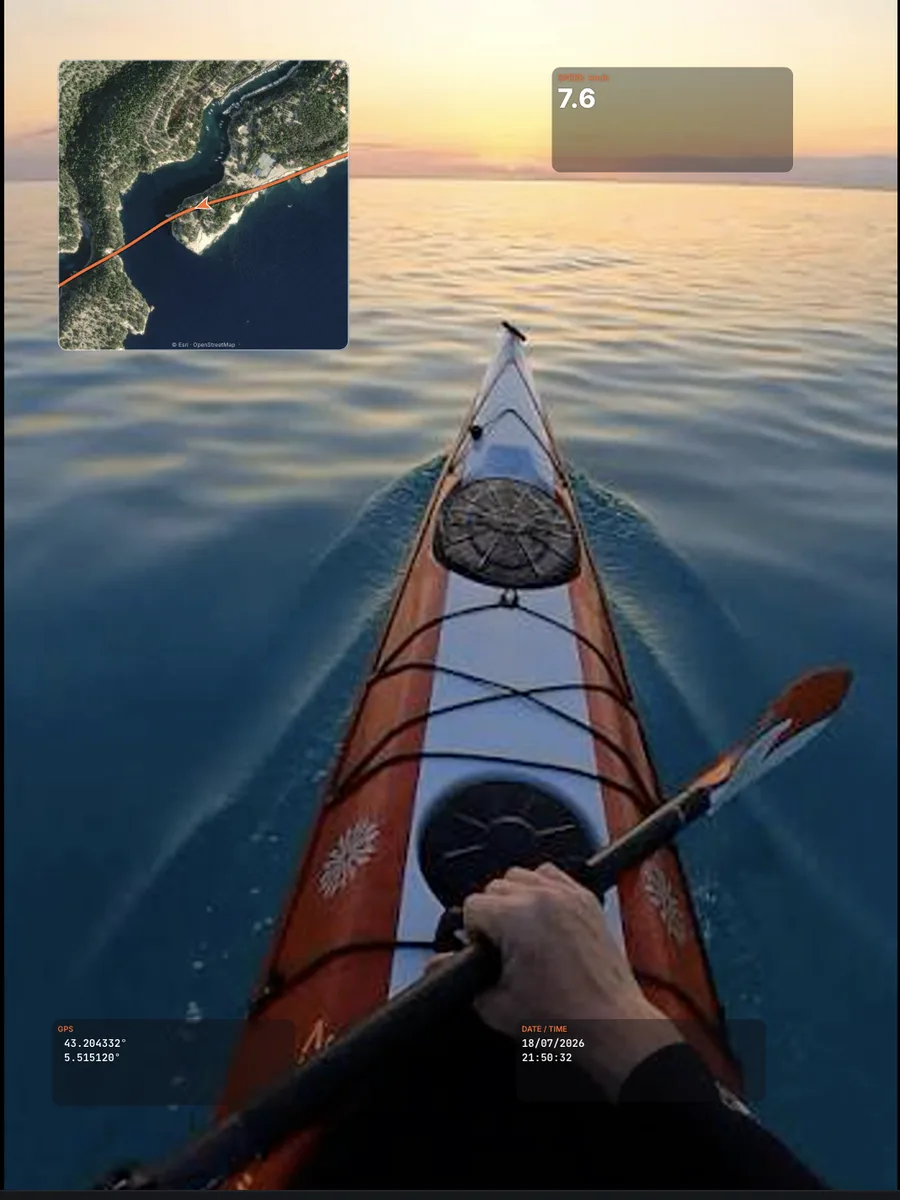
Open the video in Orbitrace's Studio, Photos tab. Move to each spot worth showing (a junction, a ford, a viewpoint, a camp) and press P. Write a comment under each point: it becomes the waypoint description on Wikiloc. Up to 20 points per video, and you can drag them on the timeline to adjust.
No points? The export takes one photo per kilometre.
2. Export
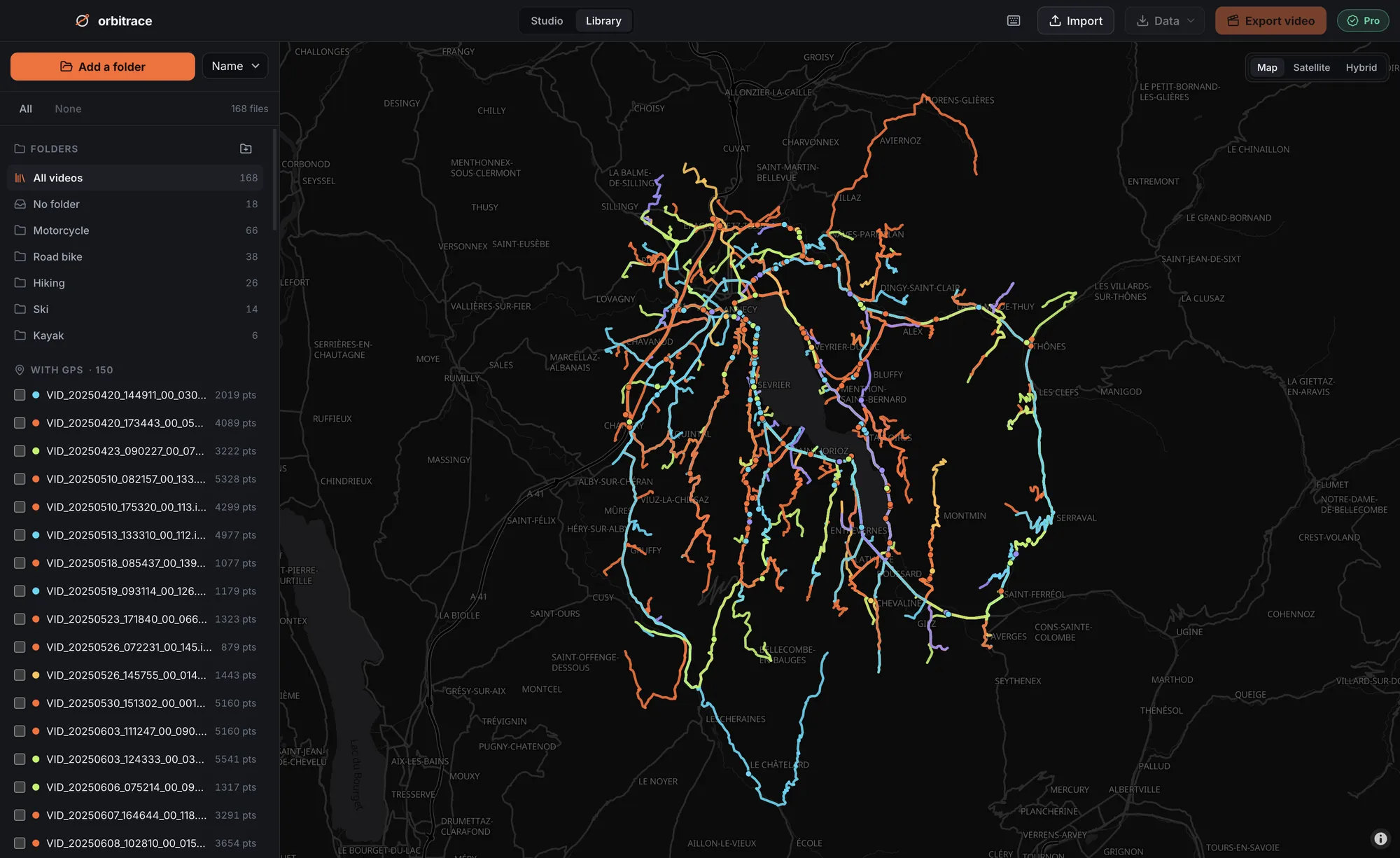
Top right, open Data → Wikiloc and choose a folder. For a 360 video, pick the front view (a normal 16:9 photo, levelled and facing forward) or the 360° photos. To export a whole trip at once, use the same button in the Library's Share window.
In the folder you get:
- One GPX per stage: the track, and your points as waypoints named
02 - Deep fordwith your comment as description. Wikiloc suggests the track name, signed “by getorbitrace.com”, as the trail title; - The photos in JPEG, named exactly like their waypoint (
02 - Deep ford.jpg), with GPS position, altitude, time, direction and your comment in the EXIF; - A short guide file with the steps below.
3. Upload to Wikiloc
- On wikiloc.com, from your profile, upload a trail from a file and pick the stage's GPX.
- Keep the track and all waypoints selected, then fill in the activity, difficulty and description.
- In the trail editor, Continue opens each waypoint: add the photo with the same name. Wikiloc doesn't attach photos to waypoints on its own, the matching names make it quick.
- Repeat for each stage: one GPX is one Wikiloc trail.
Wikiloc allows 6 photos per trail and 6 per waypoint: with one photo per point, 20 points fit easily.
Elsewhere
The photos carry their GPS position: Google Photos and other apps that read it place them on the map on their own. The GPX opens in any GPS app or device.