What’s inside an .OSV file?
An Osmo 360 video is an .OSV file. Inside are two square videos, one per fisheye lens, the sound, and a metadata track with one entry per frame: the camera’s orientation, its accelerometer, the factory calibration of both lenses and, when the Bluetooth GPS remote is connected, latitude, longitude, altitude and speed. Next to it, the camera writes a small .LRF preview.
What Orbitrace does with it
- Opens the .OSV directly: both lenses are decoded on the graphics card and stitched with the camera’s own calibration, in full resolution;
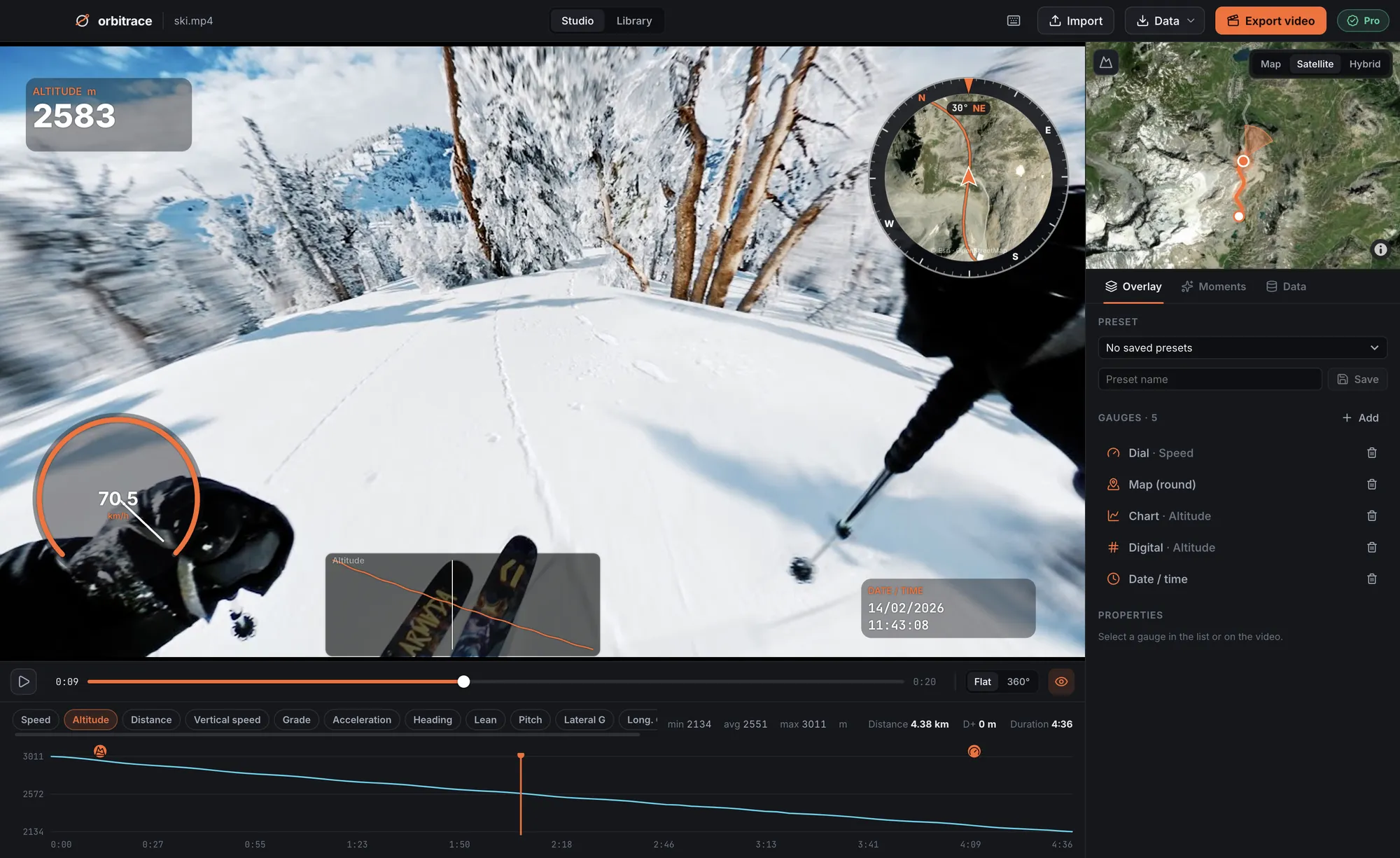
- GPS from the remote: speed, map, heading and altitude, cleaned of the jumps a GPS makes before it gets a fix;
- Leveled front view: the horizon is straightened with the attitude the camera records, and you choose which way is forward with one click;
- Export in 16:9, 9:16 (Reels, TikTok, Shorts) or 1:1, with your gauges burned in;
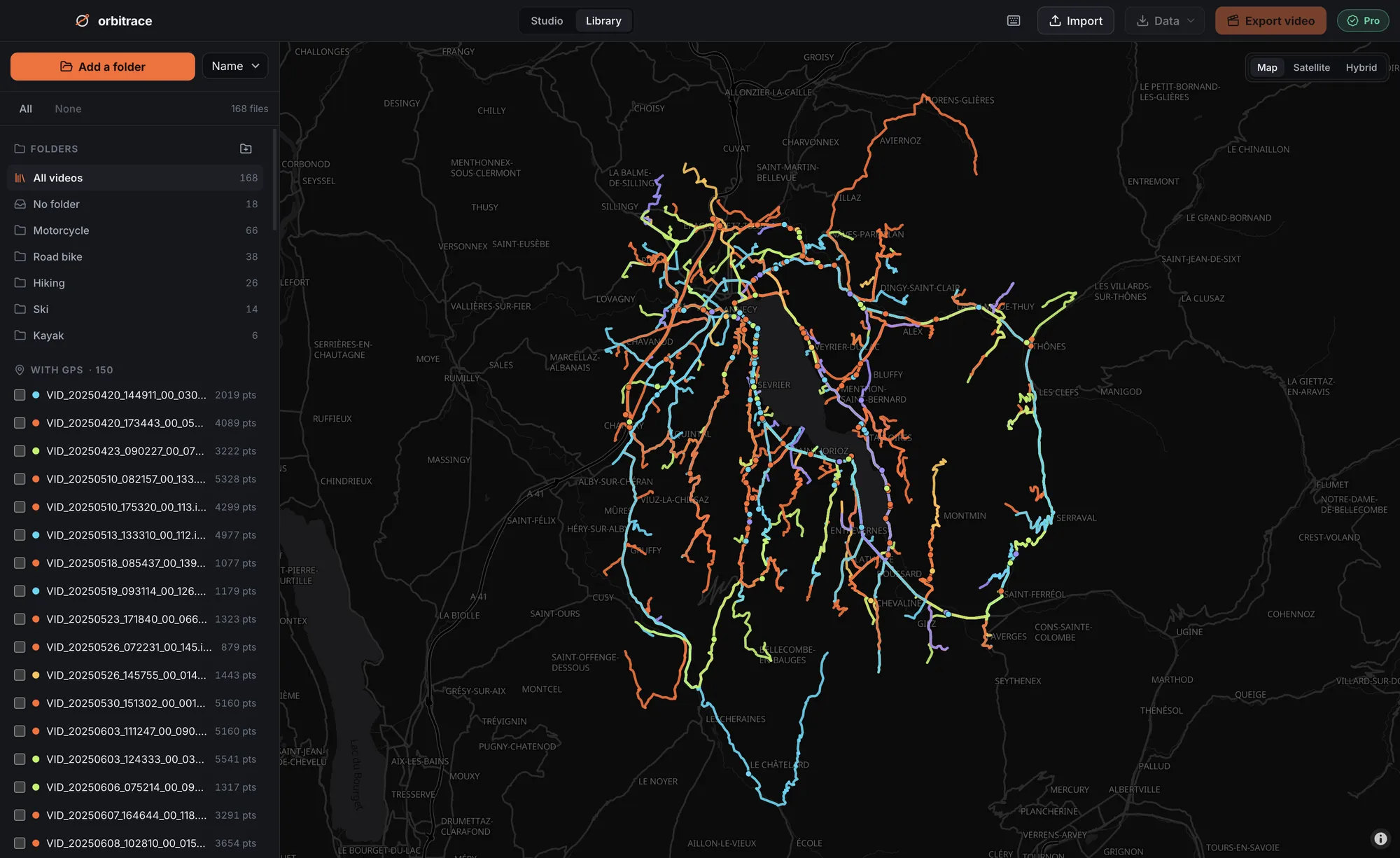
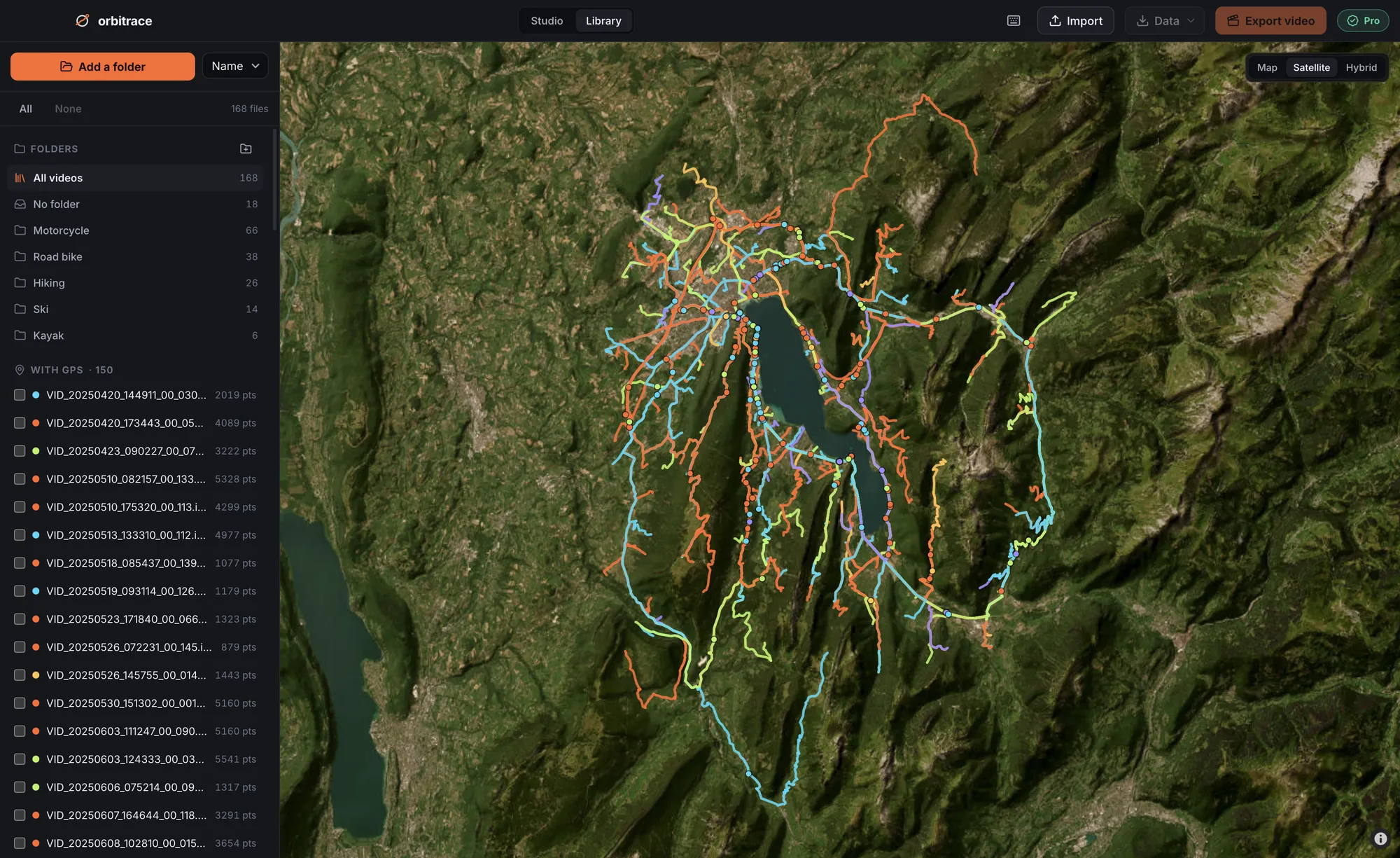
- Your library on a map: every clip with GPS appears where you filmed it, filterable by device and date.
Step by step
- Pair the GPS remote with the camera before you start recording, and wait until it has a GPS fix.
- Copy the DCIM folder from the camera to your computer (keep the .LRF next to the .OSV).
- Open the .OSV in Orbitrace, or scan the whole folder in the Library.
- Pick your gauges and the format, then export.
No remote?
Without the GPS remote, the .OSV has no position. Orbitrace still opens it as a 360° video, and you can add a GPX file from a watch, a bike computer or a phone app: it is matched to the video by time.